
Canvas Course Accessibility Remediation
The Ed Tech Center is here to support you in making your digital course content accessible. We are focusing on courses running in Spring 2026 because that is when the ADA Title II requirements take effect. Here are some ways you can get started.
Requesting Help from the Ed Tech Center:
- Submit the Canvas Course Remediation Form (please submit one course per form).
- Your request will be assigned to one of the Ed Tech Center staff.
- Staff will schedule a meeting with you to go over the accessibility issues in your course(s) and help develop a plan.
- Work in the provided Source Course(s) to make corrections to the content.
- Copy the content from the source course into your live shell.
If you are confident remediating content on your own:
- Request a Source Course for each of your Spring 2026 course(s) to get started.
- Look at the Accessibility Report to learn more about the types of accessibility barriers in your course. See the Accessibility Report Video for more information.
- Follow the CAVS process to work towards improving the accessibility in your course:
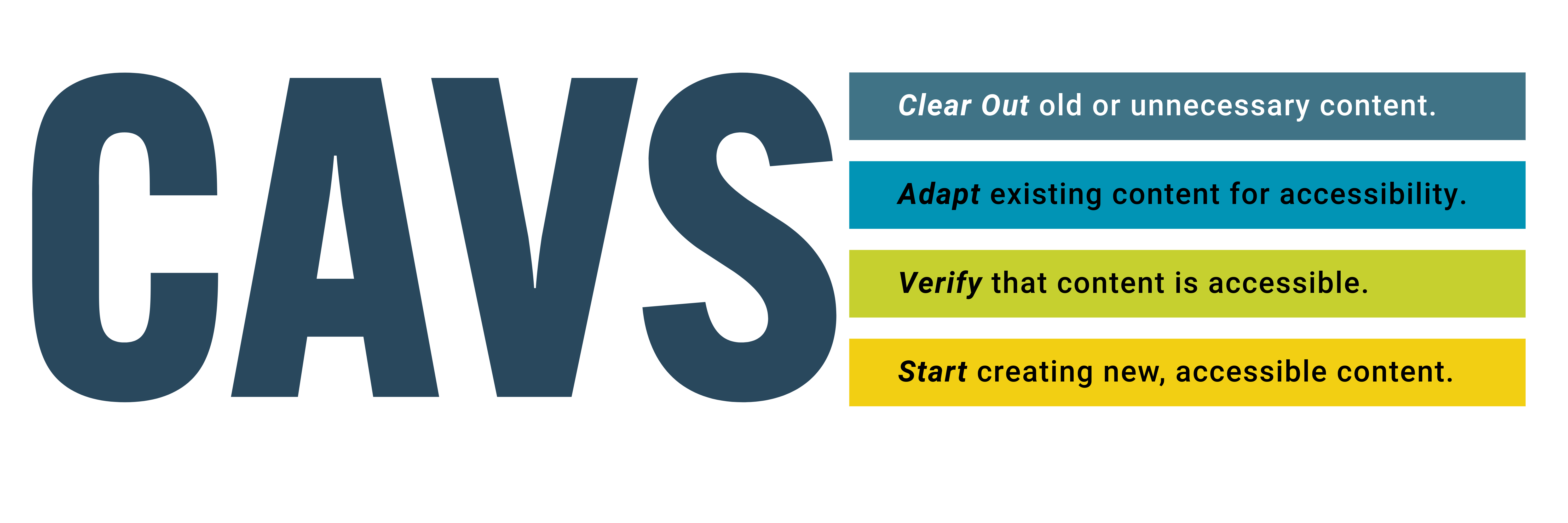
- Clear out outdated or unnecessary content from your course. You do not need old versions of the syllabus or files that you are no longer using. These could impact your accessibility score. TidyUp can help you delete files you are no longer using in bulk.
- Adapt your existing content to meet accessibility standards. Ally’s Accessibility Report can assist in identifying problem areas.
- Verify that all content aligns with Universal Design Principles, prioritizing the least accessible and most widely used materials.
- Start creating any new content with accessibility in mind.
- Contact the Ed Tech Center with any questions:
- email: [email protected]
- Phone: 913-469-3842
Resources for Remediating Content:
- Creating Accessible Learning Resources– an asynchronous training resource where you can pick a topic from a table of contents similar to an eBook.
- Accessibility Training Page– Contains upcoming training opportunities as well as past resources.
- Digital Accessibility Portal– This InfoHub page provides resources and information on digital accessibility compliance.